Find the Best Apps To Use When You Travel. These are the best, must-have apps to download to your smartphone and use while traveling.

36 + Best Apps To Use When You Travel
I’m back with more ways to use your phone while you travel. Last month I talked about 12 smartphone travel hacks you need to know before traveling, and also showed how to make a travel tech box with all the essentials.
Today, I’m sharing some of the Best Apps To Use When You Travel!
We love hitting the road for a getaway, and these Apps To Help You Save On Travel are some of our favorites to keep our budget intact. Travel can fit into any budget.
You just have to book wisely and make sure you account for the money you spend in other ways in your budget.
Giving up treats, cable, or other regular expenses can easily save a nice amount toward your vacation. To make that vacation savings account go even further, you can use these awesome apps to save even more.
Planning Your Trip
TripAdvisor’s City Guides. This free app is a great resource for our destination. It lets you check out local hot spots and find hours, prices, and the best things to see. It’s a great way to find fun free things to do with the family in your next destination.
TripIt. This app isn’t for savings, but it is for organizing your trip. You can log reservations, rental information, confirmation numbers, and more into this app. Ultimately, this saves you money by keeping everything you need in one place.
Wunderlist. Are you traveling with your family or want a running list to stay organized? This app will help you stay organized while you plan and pack for your trip, and you can share it with others and sync it across your desktop, iPad, Android, etc.
PackPoint. PackPoint is another app that helps you organize and pack for your trip. It helps you decide what to pack based on your destination. Cool, right?
RoadTrippers. Planning a road trip? The Roadtrippers app is here to help. This is the go-to app for planning a road trip in the United States. This app will help you create a customized map, including finding cool spots along the way.
ShipMate. Planning a cruise? Then use the ShipMate app while planning and on your cruise. You can view all the ports you will be docking at and even find out who else will be on your cruise.
TripIt. This app helps you keep track of all your travel plans. It will combine your flight, hotel, car rental, things to do, etc. into one master itinerary.

Booking Hotels/Airfare/Car Rental
Priceline. Yes, this site and app are used mostly for booking rooms, flights, and cars, but it is great to have on hand if your plans change at the last minute. Sometimes it takes longer than you expected, and you need to stay an extra night along the way. Having a booking app at your fingertips is perfect for last-minute reservations.
Groupon. You might think of this app for fun deals on random items, but one of the best things is saving on local entertainment. Being able to check prices at your destination and save on things like movies, restaurants, or play centers is great and easy with this app. Every little bit of saving helps.
Hopper. I just started using Hopper, but so far I like it. This app watches flight prices all day and can predict the best time to book, helping you save up to 40%.
Hotel Tonight. Looking for a last-minute hotel for the night? Hotel Tonight is the app you want on your phone to help you save money and find the best hotel for you and your family.
SkyScanner. I started using this app (and desktop version) last year and love it. You can check prices for domestic and international flights to ensure you get the best deal!
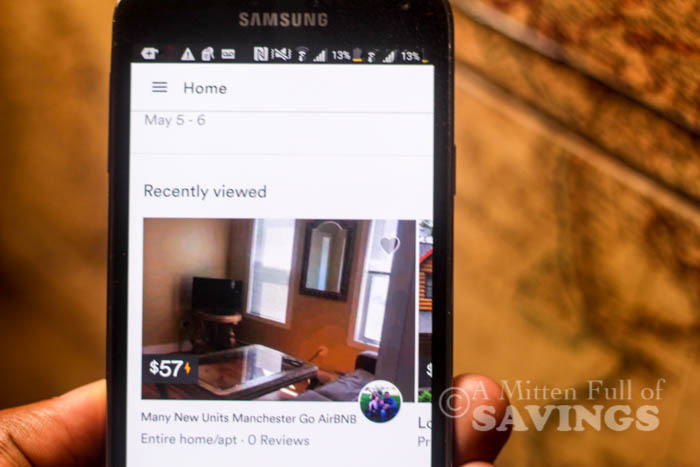
Airbnb. I haven’t booked an Airbnb yet, but I am planning a few upcoming trips, and having this app for easy access is important. You can search for accommodations ranging from a small apartment to a huge beach house. Don’t sleep on Airbnb; often, it has better prices than a regular hotel.
I also recommend temporarily downloading your airline’s app. This will help you keep track of any gate changes or flight delays. And with some airlines, you can check in right from the app!
Transportation:
Uber: I just recently used Uber for the first time on a trip to Morey’s Pier. I am in LOVE with it. If you want to ditch the taxis and get there faster for less, try Uber.
Lyft: I haven’t personally tried Lyft yet, but a lot of people love it over Uber.
Gas Buddy. Nobody likes paying high gas prices on the road, and this is seriously the best app to check local gas and diesel prices. No matter where you are, you can open the app and find out the latest low-priced gas in the area. It is my favorite app for saving money on travel.
Parkmobile. If you are driving around looking for a place to park, especially in the city, you need the ParkMobile app. Once parked, you can pay right in the app. And if you’re one of those people who forget where you parked, never fear! This app will also tell you where you parked. Genius! {Dude Where’s My Car is another app to use to help you find your car!}
Finding Food Deals/Restaurants:
KidsMealsDeals. This is a great app to check out if you want to find a local restaurant that is offering discounts or free kids’ meals.
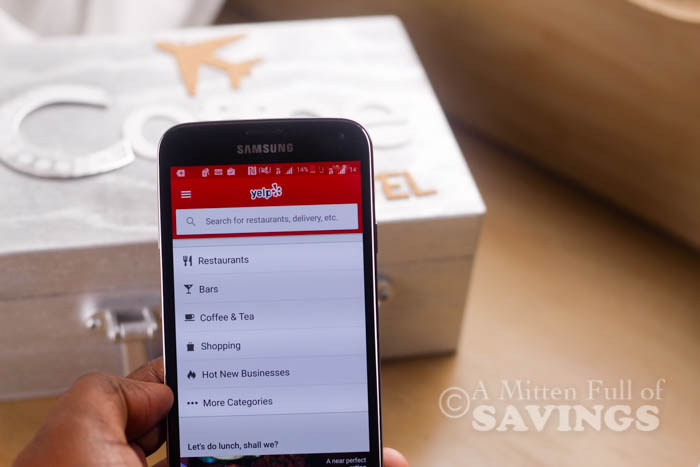
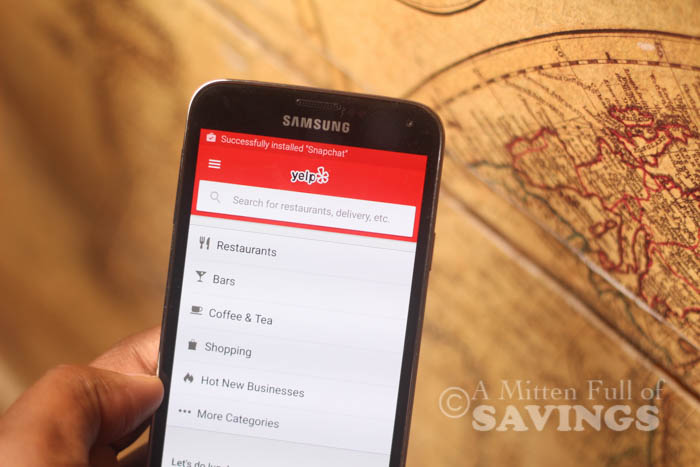
Yelp. This is one of my favorite apps for finding food, things to do, or places to stay. You can also read the reviews others leave. This helps you decide whether a restaurant is a good spot or whether you should spend your money on a particular attraction.
Instagram. Although this app is for posting pictures, you can also find things to do, places to eat, and the best hotels to stay in your destination city. I LOVE using Instagram to find good places to eat. Just search by the hashtag for that particular city or area. I am a visual person, so I choose restaurants by looking at reviews from other foodies.
AroundMe. This is a great FREE Travel app to download. It helps you find places around you. Especially if you need an ATM or a grocery store, it shows you stores, restaurants, and attractions near you.
OpenTable. This app comes in handy even at home. If you want to book a reservation or see nearby restaurants with open tables, use this app.
Foodspotting. Want real reviews of local restaurants and dives? This is the place to go. Not only will you find the best food in your vacation destination, but you’ll also find great reviews or pans to help you know whether it is a hit or a miss for your family.
Chefs Feed. Get recommendations on where to eat in the United States from some of the top Chefs around the world. {Zagat is another app you can use for food reviews}
Favado App. This is a grocery-matching app you can use at home or while traveling. When we travel and stay at a resort or vacation house, we save money by cooking many of our meals. I use this app to find the best deals at grocery stores around me.
CoffeeGuru, Spro, or CoffeeTalk. You can find some of the best coffee shops nearby with one of these apps. If you’re brand picky, you can find apps for Starbucks, Dunkin’ Donuts, etc.
Other Good Apps To Have:
Free WIFI Finder App. Saving my data is important. With the Walmart Family Mobile Plus Plan, you will have extra data to use while traveling. However, I still like to save my data and use free WIFI whenever I can. You can use this app to find free hotspots/WIFI in your area.
Disney World or Disneyland App. Planning a trip to Disney or Disney World? You must download their app. It will show the day’s schedule, ride wait times, where to find bathrooms, where to meet characters, and more. On our recent trip to Disneyland, this app was a lifesaver for checking ride wait times. If you’re planning to visit other amusement parks, such as Universal, Cedar Point, Six Flags, etc., be sure to download their apps as well. You can always delete them after your visit.
Goldstar. Using this app will help you save money on attractions. I also recommend using Groupon and Living Social to help you find things to do in your area. With Goldstar, you can find half-price tickets for live entertainment, basketball games, etc. On our recent trip to California, I found tickets to the Clippers game at a good price!
BringFido: If you are planning to travel with your pet(s), this app helps you find pet-friendly places.
HeadsUp. If you are standing in long lines at a theme park or another attraction, this fun game is a lifesaver! We use this app whenever we are standing in a long line to keep the boys entertained.
Google Translate. If you’re planning an international trip, this app will help you translate the words (and speak them aloud).
Expensify. Want to keep track of your expenses? This is really important for me, since many of my trips are business-related. Using this app will help you create an easy-to-understand expense report while traveling.
Amazon Local. Similar to the app above, this is great for finding local deals on hotels, restaurants, and entertainment.
XE Currency. If you are traveling outside the States, you will want to make sure you aren’t being swindled out of more money than something is worth. Grab this app to convert dollars to any other currency you might need. It will help you know the equivalences, and it is also perfect for those times when something sounds just a bit too pricey.
Perfect Alarm Clock. Whether you are traveling to Japan or just the West Coast, this clock app will help you know exactly what time it is back home. Ideal for those crossing time zones but needing to stay in contact with friends, family, or work back home.
Foursquare. A fun social media check-in app is also an excellent way to learn about the best places to eat and when to arrive. Great for events and venues too. Tons of great live post tips on “line is long”, etc.
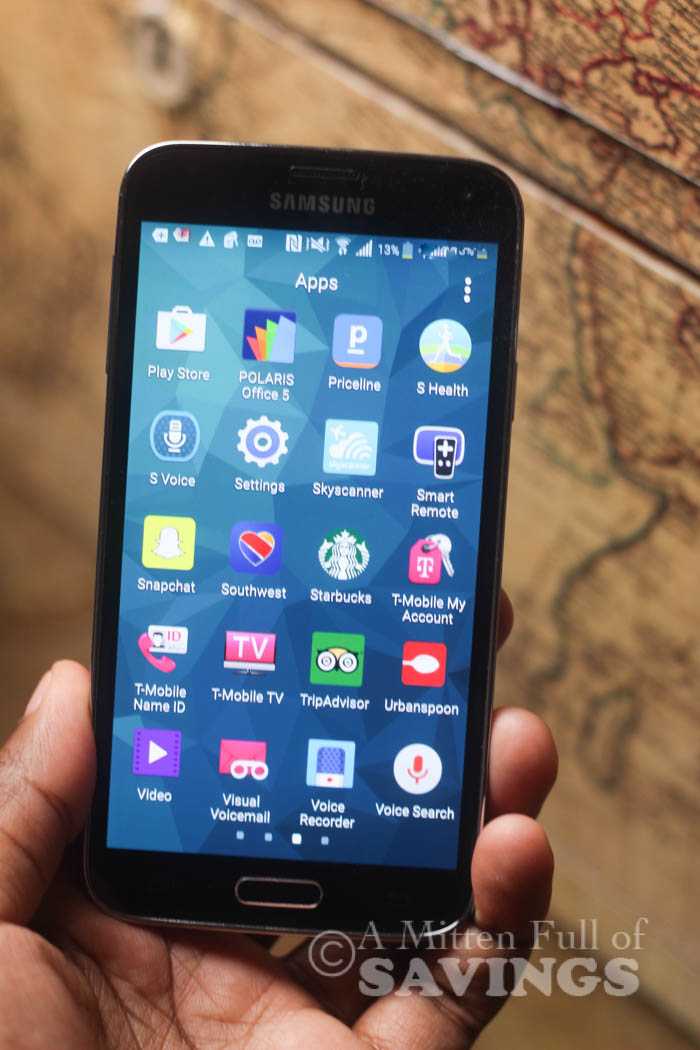
No matter where you plan to travel, by land, sea, or air, these are some of the best apps to use.
I’ve listed quite a few apps, but you can delete any apps you don’t need when you get home. When I think back, I don’t know how I traveled without a phone. Well, I do, but it took LONGER to find things to do, places to go.
Having a smartphone while traveling isn’t only a time and money saver; it’s been a lifesaver!
How do you use your phone when you travel? What apps do you use while traveling? What are some of your favorite apps? Leave me a comment below and let me know!


stephanie says
What a useful list of apps for travel this spring/summer! I’ll have to see what I’m missing out on before traveling! Apps do use so much data- so that extra data on the plan is so helpful! #client
iPad Stand says
Excellent list, just need to be careful about data usage – over here in Europe it can be VERY expensive! I use the free wifi finder app for this exact reason, so great to see it included 🙂
T Worthey says
Thanks for the tips!!